
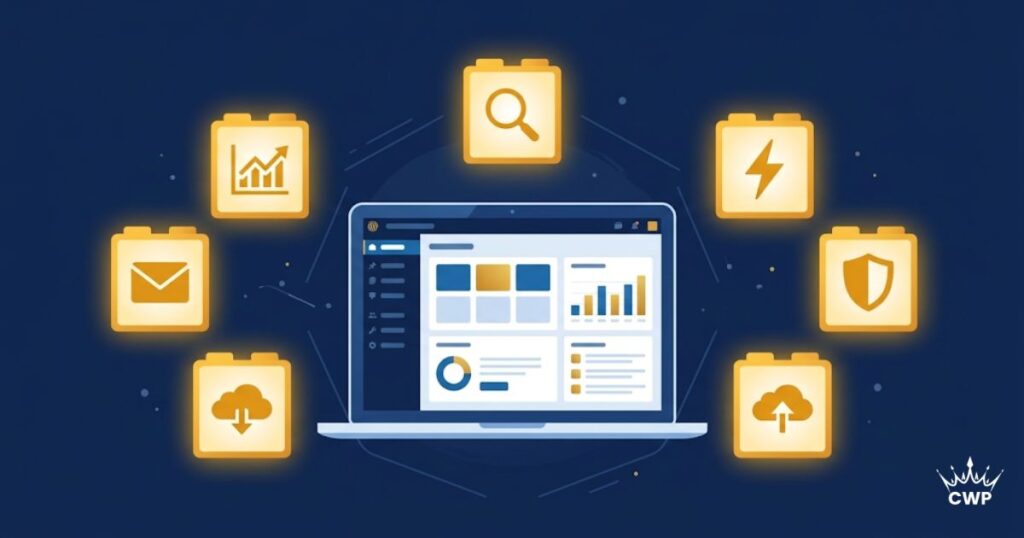
Plugins are what make WordPress so powerful, they add features, functionality, and protection without a line of code. But with over 60,000 plugins available, beginners often either install too many (slowing their site) or miss the essential ones. This curated list covers the 10 must-have WordPress plugins every business website needs in 2026, no bloat, just the essentials.
What makes a plugin “must-have” for business?
The essential plugins are the ones that cover the four pillars every business website needs: SEO (so people find you), speed (so they stay), security (so you’re protected), and functionality (forms, backups, analytics). A lean set covering these outperforms dozens of random plugins.
The 10 must-have plugins
1. Rank Math (SEO)
A powerful, free SEO plugin that handles titles, meta descriptions, schema, sitemaps, and on-page optimisation, everything you need to rank on Google.
2. A caching plugin (Speed)
LiteSpeed Cache, WP Rocket, or WP Fastest Cache dramatically speed up your site by serving cached pages. Speed is a ranking factor and a conversion driver, see our speed plugin comparison.
3. Wordfence or Solid Security (Security)
Protects your site from hackers, malware, and brute-force attacks with a firewall and malware scanning. Essential for any business site, see our WordPress security checklist.
4. UpdraftPlus (Backups)
Automated backups to the cloud (Google Drive, Dropbox) so you can restore your site instantly if anything goes wrong. Non-negotiable insurance.
5. A contact form plugin (Forms)
WPForms, Fluent Forms, or SureForms let visitors reach you and generate leads. Every business site needs a working contact form.
6. An image optimisation plugin (Speed)
Smush, ShortPixel, or Imagify compress and convert images to WebP, keeping your site fast without sacrificing quality.
7. Site Kit by Google (Analytics)
Connects Google Analytics, Search Console, and PageSpeed Insights directly to your dashboard, so you can track performance in one place.
8. A page builder (Design)
Elementor or the native Gutenberg editor to design pages visually. See Elementor vs Gutenberg to choose.
9. An anti-spam plugin (Protection)
Akismet or a similar plugin filters spam comments and form submissions, keeping your site clean and professional.
10. A redirection plugin (Maintenance)
Redirection or Rank Math’s built-in tool manages 301 redirects, so you never lose SEO value or leave visitors on broken links when URLs change.
How many plugins is too many?
There’s no magic number, quality and coding matter more than count. A dozen well-coded, essential plugins is fine; twenty overlapping or abandoned ones is trouble. Audit regularly, delete what you don’t use, and keep everything updated.
Conclusion
The right plugins turn a basic WordPress site into a fast, secure, discoverable business asset. Start with these ten essentials covering SEO, speed, security, and functionality, keep your list lean, and update everything regularly. That’s the foundation every business website needs in 2026.
Need your WordPress site professionally set up, secured, and optimised? Explore our web development services.
Frequently Asked Questions
How many plugins should a WordPress site have?
There’s no fixed limit, what matters is quality, not quantity. A dozen well-coded, necessary plugins is perfectly fine, while even five poorly-coded ones can cause problems. Install only what you need and keep everything updated.
Do plugins slow down WordPress?
Poorly-coded or excessive plugins can, but well-built essential plugins (like caching and security) actually improve your site. The key is choosing quality plugins, avoiding overlap, and removing anything you don’t use.
Are free WordPress plugins safe?
Reputable free plugins from the official WordPress repository with good ratings and regular updates are generally safe. Avoid abandoned plugins or those from untrusted sources, and always keep them updated to patch security issues.
Which SEO plugin is best for beginners?
Rank Math is an excellent free choice for beginners, it’s powerful yet guided, handling titles, meta, schema, and sitemaps with a friendly setup wizard. Yoast SEO is another popular option. Either covers your SEO needs well.

2 Comments